To search
Softonic Rating:
Very good810
License:
Evaluation
Added:
February 13, 2007
Updated:
June 12, 2008
Publisher:
Website
File size:
5.3 MB
Downloads:
144
Cyril Roger

“Keep your stuff together, find it again instantly”

by Cyril Roger

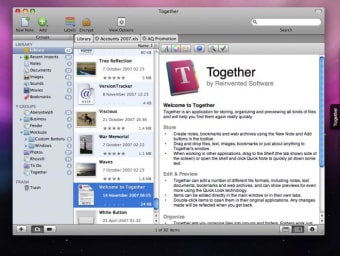
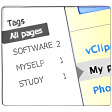
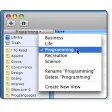
I am personally quite happy using just the Finder and Spotlight to find and keep stuff organized on my Mac. However some people prefer to have an organizer like Together to handle all their files. This application will store anything, be it document, video, image or more. The application offers you a wide choice of ways to save all these, whether by fitting them into groups, labeling, creating smart lists or even adding notes. You'll also always be see the exact number of items in each area from the sidebar of the program.

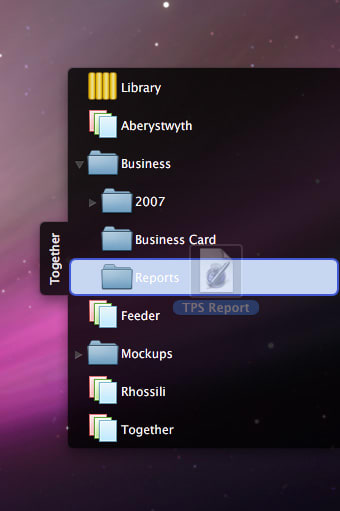
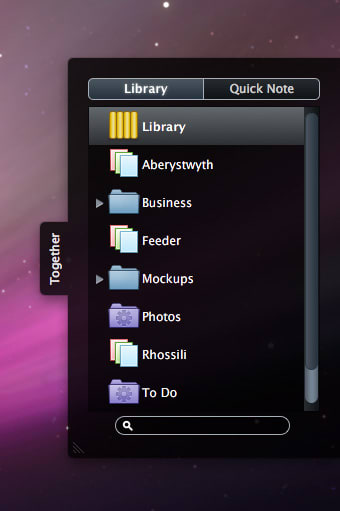
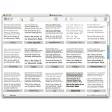
To help you keep your items organized, Together has a shelf side view, into which you can drag and drop elements and jot down notes. It luckily also integrates Spotlight, making it really effective at quickly finding anything.

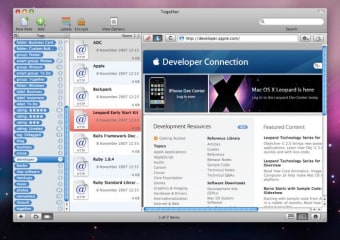
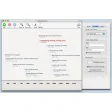
You can literally browse and organize everything without ever leaving Together's interface. New items will open up in tabs, which is either annoying or useful, depending on what you want to see. I personally would like to be able to control tabs how I want. Together also includes an embedded browser to preview bookmarks and links, which is more or less like a simplified version of Safari. Importing is fairly quick most of the time and you can see files being added to categories in real time.

A nice looking and well structured tool, Together, lets you keep all your items organized your way.

Languages:

English

Recent changes in Together:

  • When searching filenames, labels and tags, Together now tries to match any rather than all words.
  • Fixed a crash that could occur when indexing files in the background.
  • Fixed a problem saving notes with file attachments and no text.
  • Temporary files created when saving Excel 97 - 2004 format files are no longer automatically imported.
  • When moving imported files to folders using the Shelf's import options, Together will now rename name files being moved if one already exists.
  • Added checks to prevent Together from linking to the same file twice (can cause problems with searching and syncing).
  • Fixed a problem where the library group would always be selected in the Shelf's import options when dragging text or images to another group.
  • Fixed a problem where PDF attachments would not be displayed in Quick Look previews of emails.

Limitations:

15 day Trial Period T

OS requirements for Together:

  • OS: Mac OS X

Minimum requirements:

  • Processor: PPC/Intel MHz
  • Mac OS X 10.5 or later
Pros
  • Multiple ways to organize items
  • Shelf side view
  • Spotlight integration
Cons
  • Opens new items in a new tab
Did you like this review?
3 of 5 users liked it (60%)

Featured program

Softonic gives special recognition to software of exceptionally high quality. More information

From the publisher of Together

Together (previously known as Keep it Together) lets you keep everything in one place. Text, documents, images, movies, sounds, web pages and bookmarks can all be dragged to Together for safe keeping, tagged, previewed, collected together in different ways and found again instantly.

Together options

Together Options

Reviews for Together in other languages

Softonic Rating:Very good
User Rating
Your opinion is important!

Download stats

Related

Related searches


Are you the developer of Together?

If your program has received a Softonic rating, feel free to use the following award badge on your site or as part of any other promotional feature you may be putting together.

Together Softonic Rating

Click on the above text field to copy the necessary HTML to your clipboard and then paste it to your website. It will display your program's Softonic Rating and will link to your program page.

Any queries? Contact us if you want more info.

Close